
User guides
Short walkthroughs for the things people do first. Every guide is four or five taps — nothing here needs a bank visit or a phone call.
Your first ride
Paying with QR
Grocery order
eSIM abroad
Tino Fridge
Powerbank rental
TinoGO
2 min read
Book your first ride
Nearest driver, price fixed before you confirm, and no cash unless you want it. The whole thing is four taps.
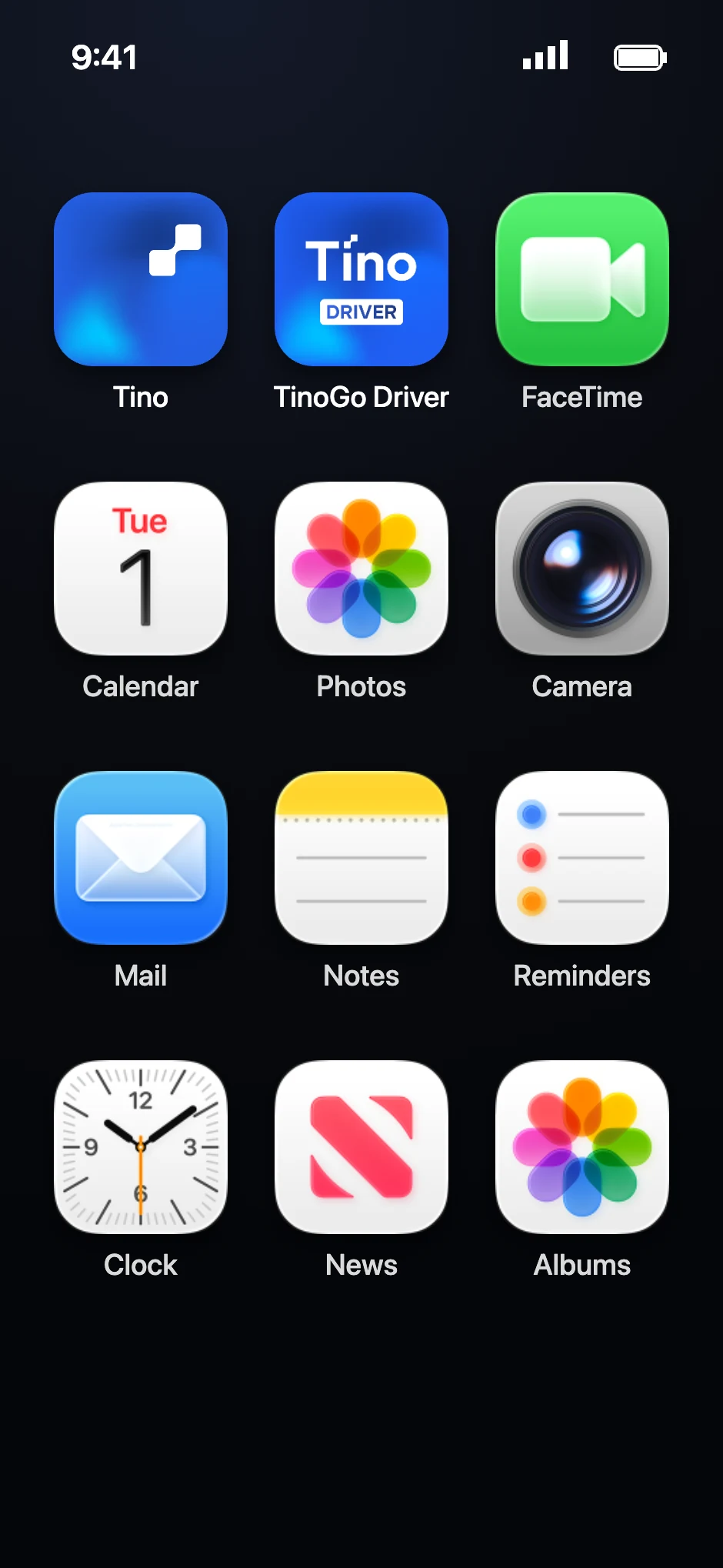
1Open TinoGO from the home gridThe tile sits in the Transport row. The app asks for location once — allow it while using the app, which is enough for pickups.
2Confirm where you areYour pin snaps to the nearest street entrance. Drag it if you are behind a building; a wrong pin is the main reason drivers call.
3Type the destinationRecent and saved places appear first. Add a stop here if you need one — adding it mid-trip changes the fare.
4Check the fare, then confirmThe price shown is the price charged unless the route changes. Pick card, Tino Pay or cash below the button.
5Follow the car inYou get the plate, colour and driver rating. Message through the app rather than calling — numbers stay private on both sides.
iFlying out? Pre-booking holds a car up to 30 days ahead and tracks the flight, so a delayed landing moves your pickup with it.
Other guides
Paying with QR
→
Grocery order
→
eSIM abroad
→
Tino Fridge
→
Powerbank rental
→
A guide didn’t cover it?
In-app chat reaches a person in about five minutes, day or night.